HEIC and HEIF support. Open iPhone photos straight from the homepage or editor. They convert to PNG locally on your device.
Fixed sample images. Sunset lake, Fox portrait, and Mountain star logo load again on the Upload screen.
Previous updates
Select matching blocks and crop fix
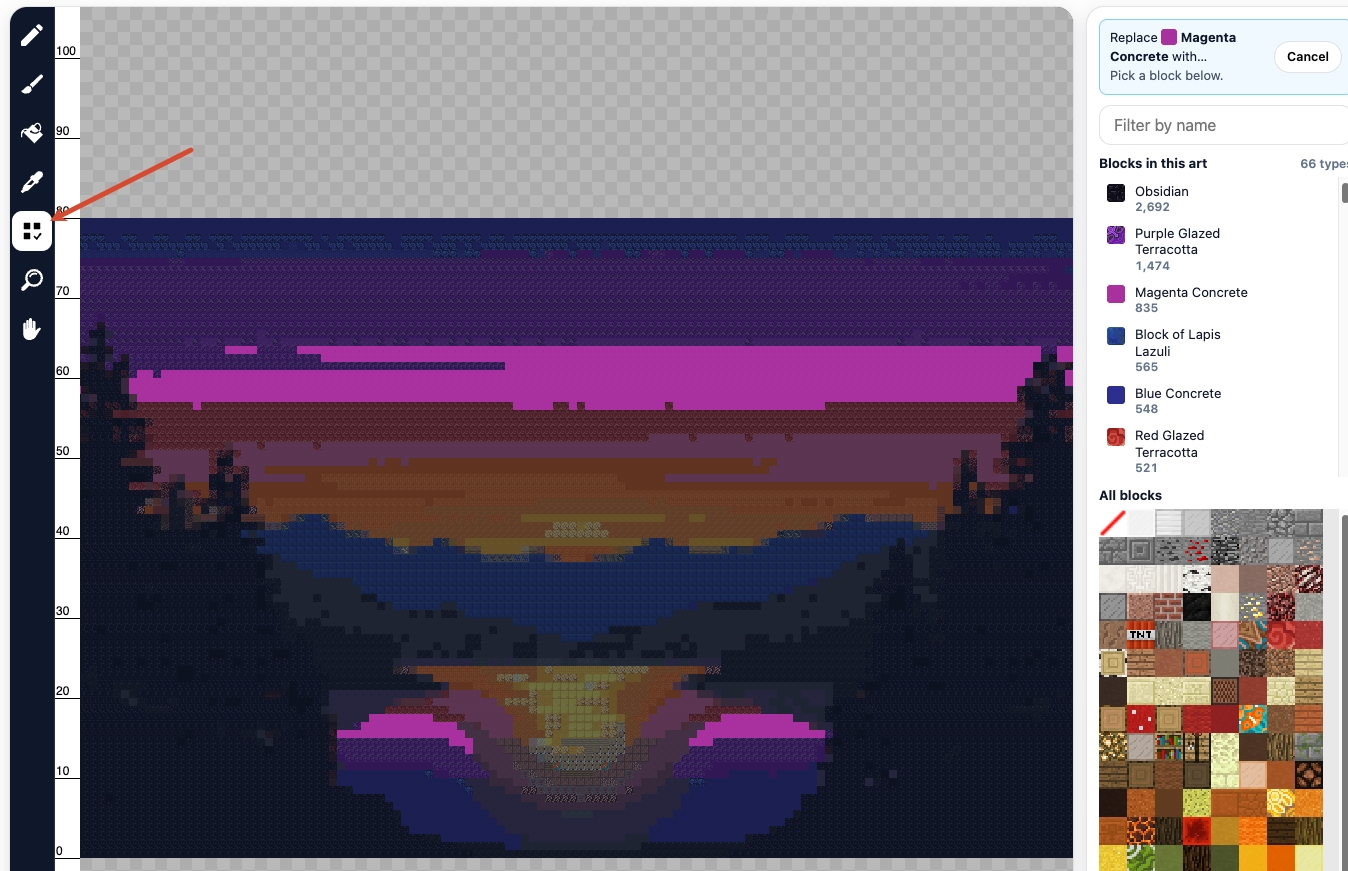
Select matching blocks. Press M and click a block (or tap Select Matching Blocks on touch screens) to replace every matching block at once.
Fixed a bug that interrupted dragging the crop box.
Select and replace matching blocks across the canvas.Image preview and export fixes
If a replacement image fails to load, your previous image stays open. You can also switch back to the original image after converting.
Fixed a download bug affecting PNG and legacy .schematic exports.
Moved file error messages to the top of the editor on small screens.
Updated Minecraft Java block names
Updated 56 block labels to match current Minecraft Java Edition names. Exported block IDs did not change.
Map art, live previews, and a redesigned editor
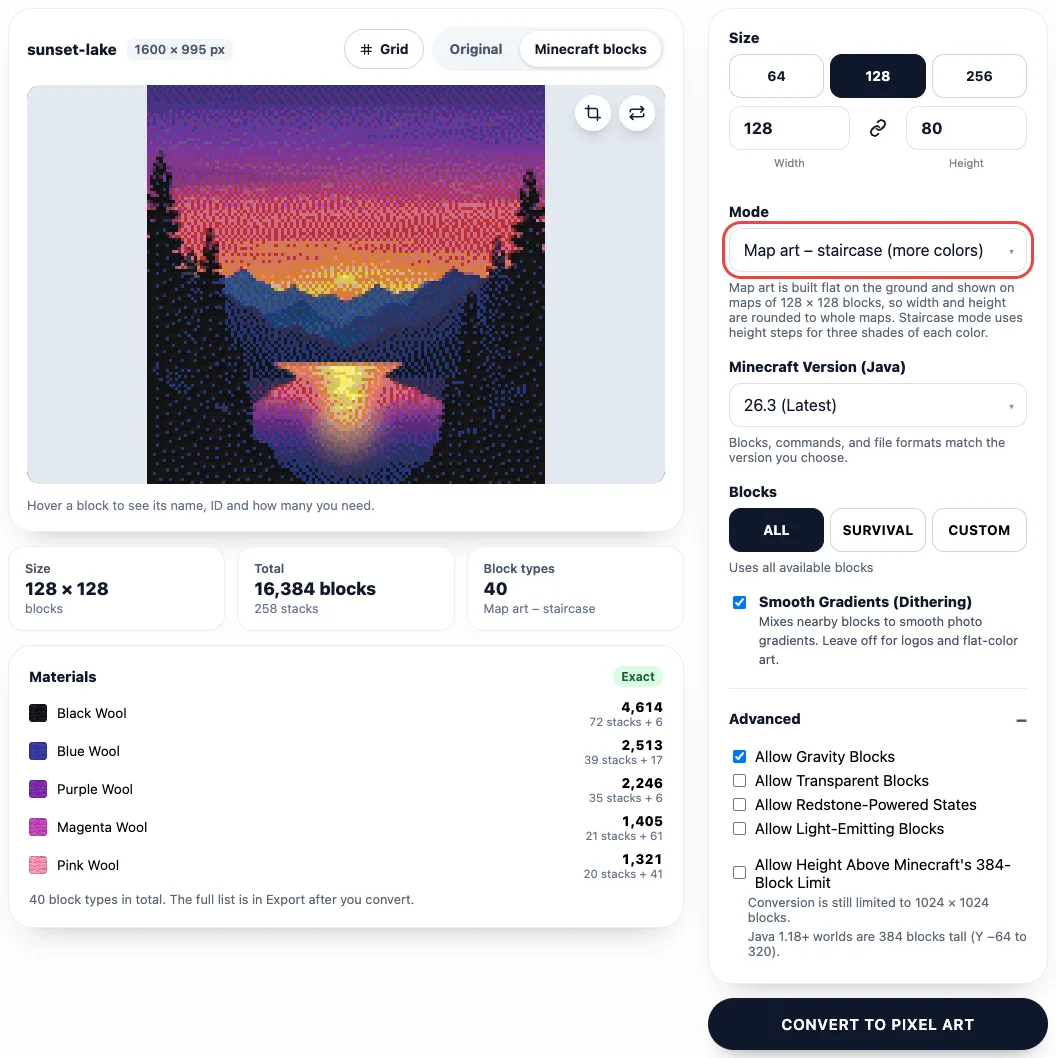
Added flat and staircase map art modes, Minecraft map-color previews, and map.dat downloads (including staircase reference blocks in the material count).
Redesigned Settings around a live block preview with size presets, aspect-ratio lock, cropping, and a live materials list.
Combined downloads and commands under one Export button, and added full-screen mode, undo/redo buttons, zoom controls, and a Blocks in this art list.
Made the mobile toolbar more compact and separated Replace from the block palette.
Map art mode and live block preview in Settings.New Java versions and export formats
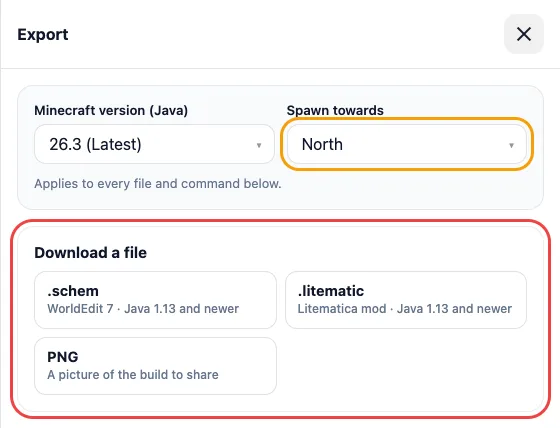
Added a Java Edition version picker with newer blocks, plus WorldEdit 7 .schem, Litematica .litematic, and datapack ZIP exports for Java 1.13+ alongside legacy .schematic.
Improved block color matching, added an optional Smooth Gradients (Dithering) toggle, and added Mac keyboard shortcuts for undo and redo.
Added a confirmation prompt before replacing an open project from the homepage upload button.
Added the Rare Items explorer and collection checklist.
Export panel with .schem, .litematic, and datapack ZIP formats.Phone and tablet editing
Added touch drawing, pinch-to-zoom, panning, and a tappable current-block picker for phones and tablets.
Fixed PNG export on touch devices and kept the canvas visible on smaller screens.